
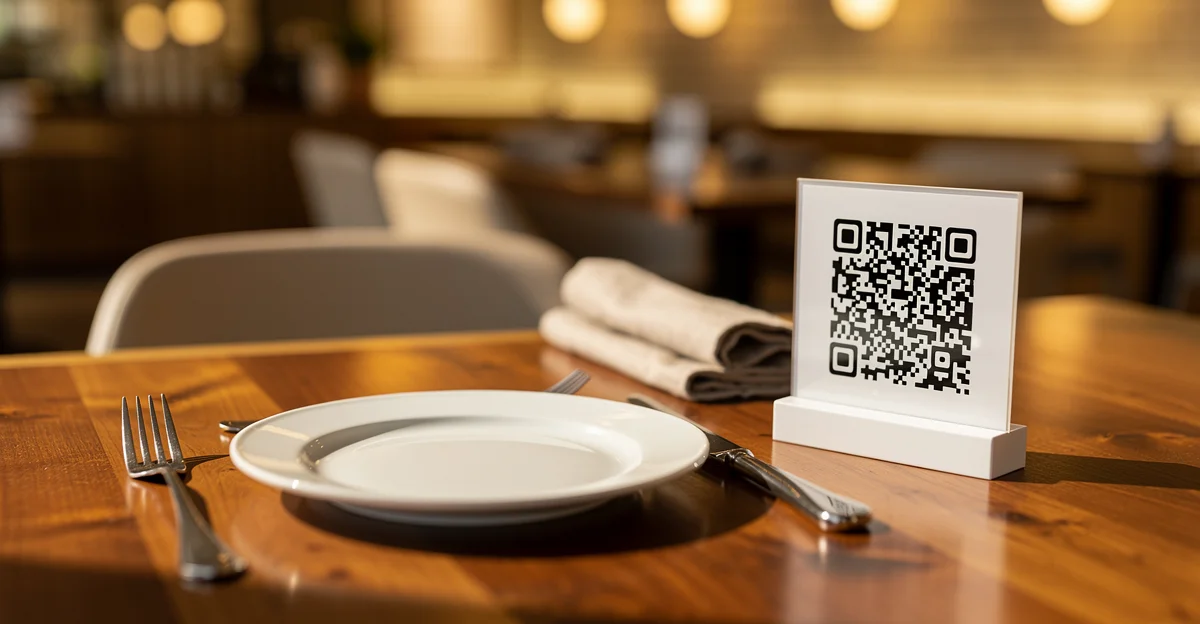
Remember when QR codes on restaurant tables felt like a weird pandemic experiment? That was 2020. Now it’s 2026, and customers reach for their phones before asking for a menu. The technology stuck — but somewhere along the way, a cottage industry emerged charging $15-50/month for what should be a simple task: linking a QR code to your menu.
You shouldn’t be paying $600/year to display a PDF.
The actual technical cost of a QR code is effectively zero. What you’re paying for is convenience, hosted menu pages, and sometimes ordering features you don’t need. This guide covers how to create QR menus for free, where to place them so people actually scan, and the mistakes that make restaurant owners reprint thousands of codes.
Why QR Menus Still Matter in 2026
The pandemic hygiene excuse is stale — nobody’s wiping down their phone between bites anymore. QR menus survived for better reasons.
Customer behavior changed
People reach for phones before asking staff. It’s not generational anymore — it’s habitual. Your customers want to browse while deciding, translate items with their phone’s camera, or send the menu to someone running late.
For international tourists, QR menus are essential. Google Translate works on a phone screen. It doesn’t work on laminated plastic.
Operational benefits are real
Every time you reprint menus, you’re spending $200-500 depending on volume and quality. QR menus let you:
- Update prices without reprinting
- Test seasonal items without commitment
- Mark items as unavailable in real-time (no more “sorry, we’re out of that”)
- Offer multiple languages from one code
Analytics you didn’t have before
With a proper shortlink service, you can track which tables scan most, what time of day sees peak engagement, and whether that table tent by the door is actually working. Data your paper menus never gave you.
The honest take
Some restaurants went too far and killed paper menus entirely. That’s wrong for fine dining, wrong for older customers, and frankly wrong for the experience. QR menus are an option, not a replacement.
The QR Menu Landscape: What’s Out There
Before you sign up for anything, here’s what the market looks like:
| Feature | gofwd.to | MenuCloud | Square | Toast | Canva |
|---|---|---|---|---|---|
| Entry price | $2/yr (25 links/mo) | Limited trial | POS required | POS required | Free |
| Monthly cost | ~$0.08 | $15-49 | Bundled | Bundled | $0 |
| Account for basic QR | No | Yes | Yes | Yes | Yes |
| Update destination | Yes (with account) | Dashboard | Dashboard | Dashboard | Re-export |
| Scan analytics | Yes (with account) | Yes | Yes | Yes | No |
| Custom QR design | Basic | Yes | Yes | Yes | Yes |
MenuCloud, QRMenu.com, and similar services
These are purpose-built for restaurants. You get nice dashboards, hosted menu pages, sometimes ordering integration. Worth considering if you want a full digital menu system with photos, descriptions, and online ordering.
Overkill if you just want to link to a PDF.
Square and Toast
Check your POS first. If you’re already using Square or Toast, they probably include QR menu features. No point paying twice. The downside: you’re locked into their ecosystem, and the menus live on their servers.
Canva
Free QR generation with pretty designs. Zero analytics. Every time you change your menu URL, you need to generate and print a new QR code. Fine for a one-time print, bad for anything you’ll update.
gofwd.to
Yes, we built this. Generate a QR code instantly without signing up — paste a URL, download the code. If you create an account ($2/year Starter plan), you unlock analytics (scan counts, timing) and the ability to update where your QR code points without reprinting.
Trade-off: we don’t host your menu. You bring your own PDF or webpage, we shorten and track the link.
The honest recommendation
If you already have a menu on your website or Google Docs, you don’t need a $30/month service. Generate a QR code, point it at your menu, done.
How to Create a Free QR Menu
Let’s do this step by step.
Step 1: Get your menu online
You need a URL before you can make a QR code. Options ranked by simplicity:
Google Docs — Free, easy to update, mobile-friendly. Use File → Share → Publish to web for a clean URL that doesn’t require sign-in to view.
PDF on Google Drive — Upload your PDF, click Share, set to “Anyone with link can view,” copy the link.
Your website — If you have one, a /menu page is ideal. Full control over design and updates.
Square/Toast menu page — If you use them, they probably host it already. Check your dashboard.
Pro tip: Avoid direct PDF download links when possible. On some phones, they download instead of displaying in-browser. Web-hosted menus with embedded PDFs work better.
Step 2: Generate the QR code
Go to gofwd.to or directly to gofwd.to/free/qr-menu-for-restaurants .
- Paste your menu URL
- Click Generate
- Download the QR code as PNG
That’s it. No account, no email, no credit card.
Tip: Download the largest size available. PNG scales down fine but gets blurry if you enlarge it. For large prints (posters, window decals), you may want to regenerate at higher resolution.
Step 3: Print and display
Minimum size: 1 inch (2.5cm) for close-range scanning at table distance. 2+ inches for distance scanning (wall, window, food truck side).
Print options:
- Staples/FedEx Office — bring your PNG, get prints same day
- Canva — design a nice table tent or holder
- Amazon — search “acrylic QR code holder” for professional-looking stands
Step 4: Test before deploying
This step prevents embarrassment:
- Scan with iPhone AND Android (they handle QR differently)
- Test in low light (bar conditions)
- Test at the actual distance customers will scan from
- Have someone over 50 test it — if they struggle, your code is too small or low-contrast
Where to Put Your QR Code
This is where most guides fail. Placement matters more than design.
For Sit-Down Restaurants
Table tents — The classic placement. Works because it’s at eye level when seated. One per table, not one per person.
Check presenters — Sneaky brilliant. Customer already has phone out to pay. “Scan for our full menu” invites return visits and takeout orders.
On the paper menu itself — Sounds paradoxical, but putting a QR on your paper menu lets customers save it to their phone for later. Great for regulars who want to browse before coming in.
NOT on the front door — Nobody stops at doors to scan. They’re trying to get inside. Door placement has the worst scan rates.
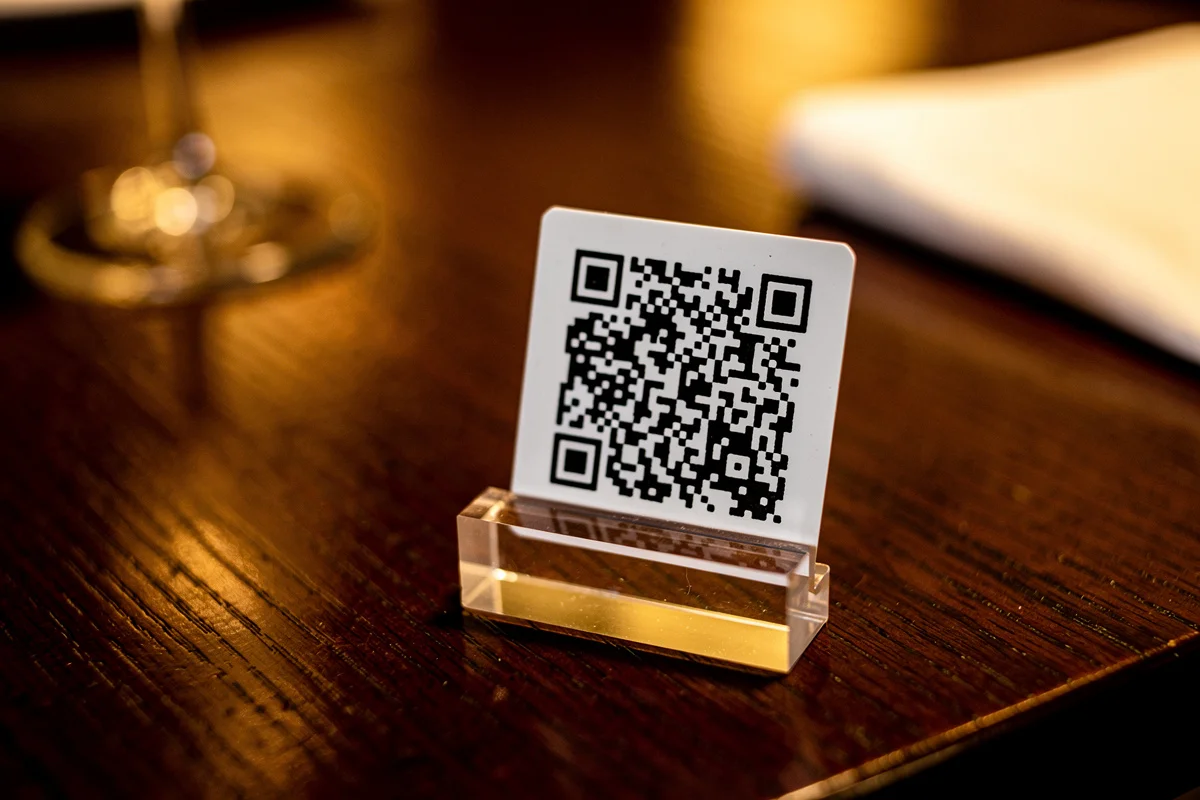
For Cafes and Coffee Shops
Counter display — Right where they’re deciding what to order. Angle it toward the customer line, not the barista.
Near the register — “View our full menu” helps the indecisive. Reduces line bottlenecks when people can browse on their phone instead of staring at the board.
Tip jar area — Captive audience while paying. Can include more than menu: social links, loyalty program signup.
For cafes specifically , counter placement consistently outperforms table placement.
For Bars
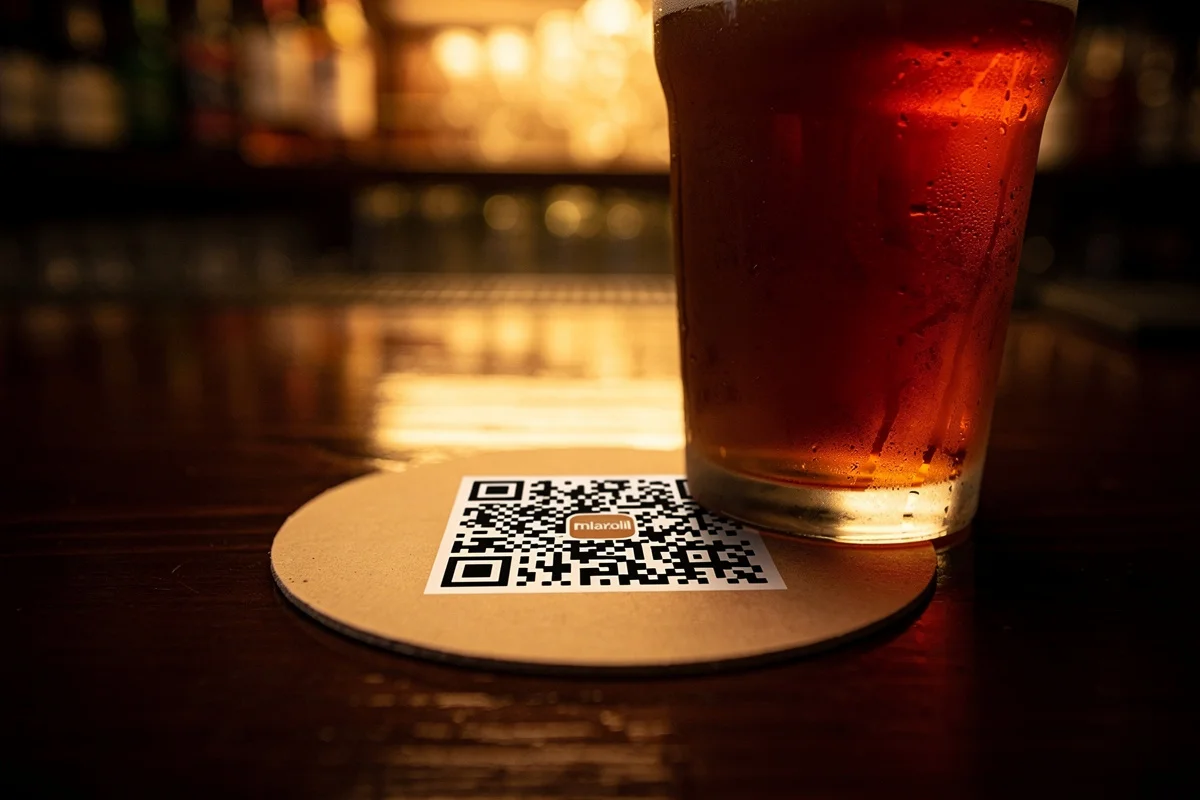
Coasters — Genius placement. Already in hand, good lighting from phone illuminates the code in dark venues. Replace regularly — beer destroys paper.
Bar top under acrylic — Embedded in resin or under clear coat. Survives spills, always available, never moves.
Bathroom stalls — Weird but effective. Captive audience. “Check our cocktail menu while you’re here.” Works especially well for bars with extensive drink lists.
NOT on tiny cocktail napkins — Too small, gets thrown away, ink bleeds when wet.
For Food Trucks
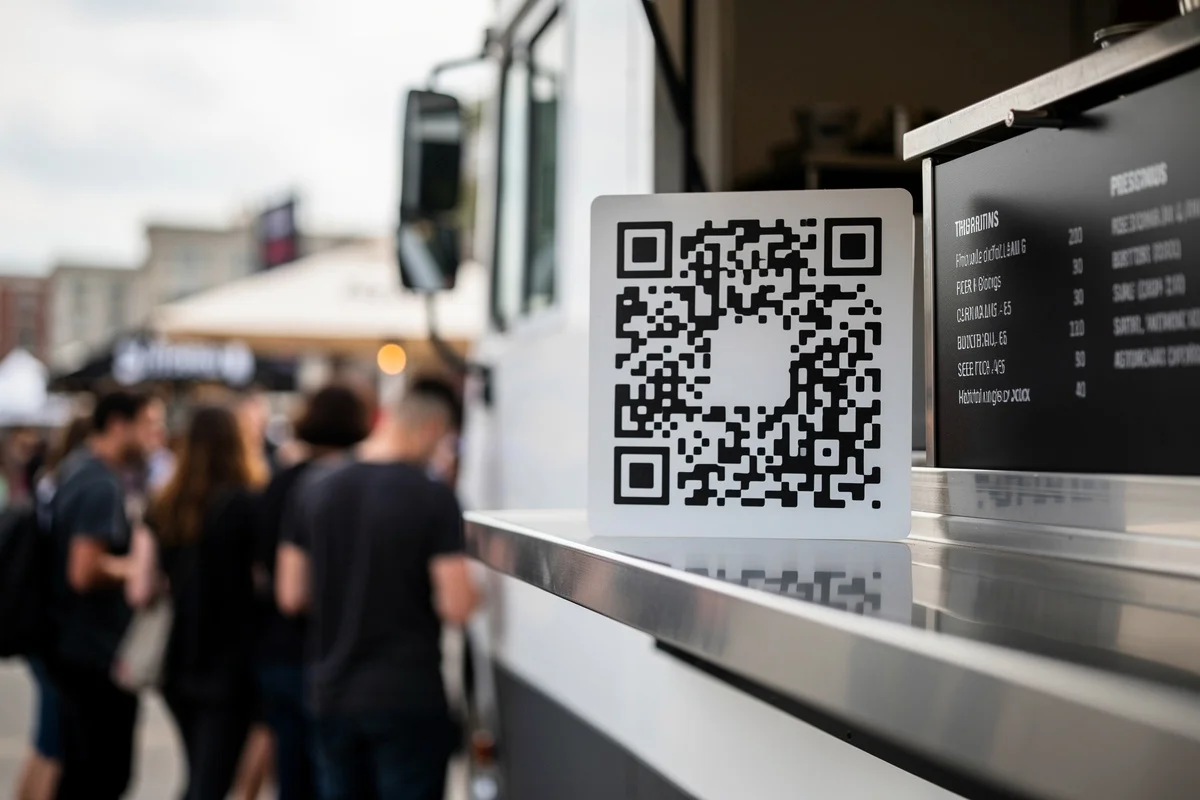
Side of truck — Large, visible from the line. People scan while waiting. Minimum 4 inches — distance scanning needs bigger codes.
Order window — Backup for people who missed the side placement.
Weather protection — Laminate everything or use acrylic holders. Rain destroys paper QR codes in minutes. Food truck operators learn this the hard way.
For Pizzerias
Box toppers — Every delivery is marketing. “Scan to reorder” or “View our full menu” turns one order into repeat business.
Takeout bags — Same logic, cheaper to print. Every bag that leaves your shop is an advertisement.
Dine-in tables — Standard placement. Focus on upsells: desserts, drinks, appetizers people forget to order. See more pizzeria-specific tips .
For Bakeries
Display case — Point at what they’re looking at. “Scan for prices and ingredients” helps customers with allergies or dietary restrictions.
Counter tent — For specials and daily items that change.
Packaging — Boxes, bags, everything that leaves. “See what’s fresh tomorrow” drives return visits. Bakeries with rotating inventory benefit most from this.
For Breweries
Tap handles — If you’re fancy. QR embedded in handle design linking to that specific beer’s info.
Tap list board — Next to the board: “Scan for tasting notes and ABV.” Lets people explore without flagging down staff.
Flight boards — Each flight position can map to a beer description page.
Patio tables — Outdoor seating attracts phone-friendly customers. They’re already in the sun, might as well browse your menu. Breweries with large tap lists see the highest engagement from patio QR codes.
For coffee shops , the same principles apply — counter beats table, and packaging extends your reach beyond the shop.
Common Mistakes
I’ve seen restaurants make these errors repeatedly. Don’t be one of them.
The URL that breaks
Your menu lives at yoursite.com/menu-spring-2024.pdf. You print 500 QR codes. Then you upload menu-summer-2024.pdf and forget to update the QR destination. Now 500 printed codes point to an outdated menu — or worse, a 404 error.
Fix: Use a shortlink service like gofwd.to that lets you change the destination URL. Or host at a permanent URL like /menu that you overwrite with new content.
Too small to scan
Anything under 1 inch is risky. Phone cameras struggle, especially older phones or phones with cracked screens (more common than you’d think).
Fix: Test at actual viewing distance before bulk printing. When in doubt, go bigger.
No contrast
QR codes need contrast to scan. Black on dark brown wood? Good luck. Navy blue on black? Forget it.
Fix: Always include a white background border around the code. White rectangle behind black QR code works everywhere.
No call to action
A random QR code with no text is confusing. What is this? Is it malware? Should I scan it?
Fix: Always include text: “Scan for Menu” or “View Full Menu” or “Scan to Order.” Tell people what they get.
Not tracking scans
You printed 1000 codes. Are people scanning? You’ll never know if you used a basic generator without analytics.
Fix: Use a generator with built-in analytics. Or add UTM parameters to your URL and track in Google Analytics.
Putting all your eggs in one basket
You use one shortlink service for all your QR codes. That service goes down, gets acquired, or changes their terms. All your codes break.
Fix: For critical codes, use your own domain with redirects you control. Or at minimum, use a reputable service with a track record.
FAQ
Do customers need to download an app?
No. Every smartphone made after 2017 scans QR codes with the default camera. iPhones, Androids, even most basic phones. No app needed.
Will it work on all phones?
Yes, assuming the phone has a camera and internet connection. The QR standard is universal. Even older flip phones with cameras can scan QR codes (though they’ll need a browser to view the menu).
Can I change my menu without reprinting the QR code?
Yes — if you create an account on a shortlink service like gofwd.to. Change the destination URL in your dashboard, same printed code keeps working. This is the main advantage over generating QR codes directly to your menu URL.
How do I know if people are scanning?
With a gofwd.to account, you can see scan counts, timing, and basic device info. If you’re using Google Docs, check the view count in sharing settings (less detailed but better than nothing).
Is this really free?
gofwd.to’s Starter plan is $2/year for up to 25 links per month with full analytics. If you need unlimited links or advanced features, Pro is $4.99/month or $29.88/year . But 25 links covers most single-location restaurants.
What if my menu is really long?
Host it on a webpage with sections and anchor links, not a 20-page PDF. Mobile users will scroll a page but won’t pinch-zoom through a dense PDF. If you must use PDF, keep it under 3 pages.
Should I replace my paper menus entirely?
No. Offer both. Some customers hate phones at dinner. Some can’t see small screens. Some have dead batteries. QR is an addition, not a replacement.
What about ordering through the QR code?
That’s a different product category — online ordering systems. They cost more because they do more (payment processing, kitchen tickets, etc.). If you just want customers to view your menu, a simple QR-to-PDF link is enough.
Conclusion
QR menus aren’t pandemic tech anymore — they’re just how restaurants work now. But paying $30/month for something this simple? That’s restaurant-tech companies extracting rent from people who don’t know better.
The process is straightforward:
- Get your menu online (Google Docs is free and works)
- Generate a QR code pointing to it
- Print and place strategically
- Update the destination URL when your menu changes
No monthly fees. No vendor lock-in. No sales calls.
Generate your QR menu for free at gofwd.to . No account required, no credit card, just paste your URL and download.
Or jump directly to your business type: